Software-tools
Paper Forms vs Digital Pool Inspection Software: Complete Comparison [2026]
Compare paper forms vs digital pool inspection software. See time savings, report quality, compliance tracking, and why California inspectors are switching to digital.
10 min read
# Paper Forms vs Digital Pool Inspection Software: Complete Comparison [2026]
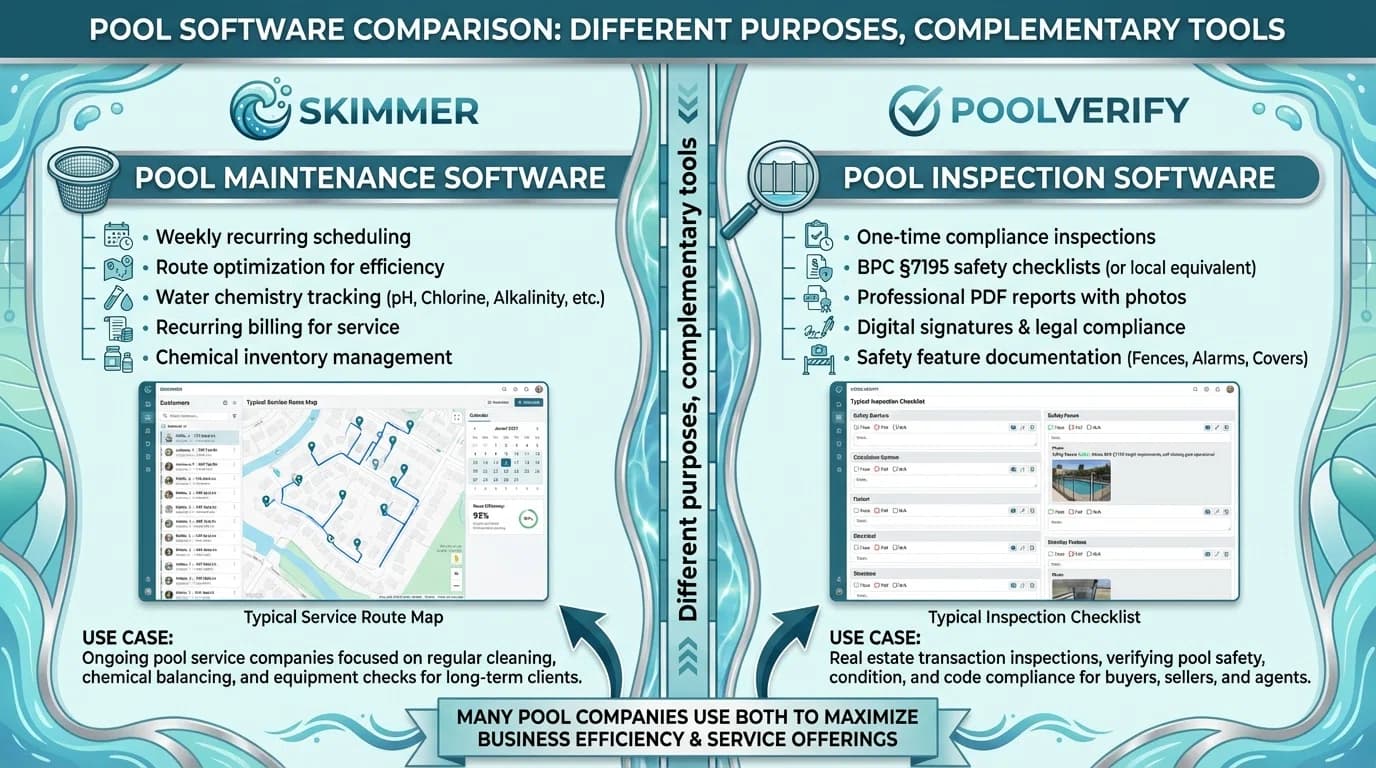
Feature comparison between pool service management software and inspection software
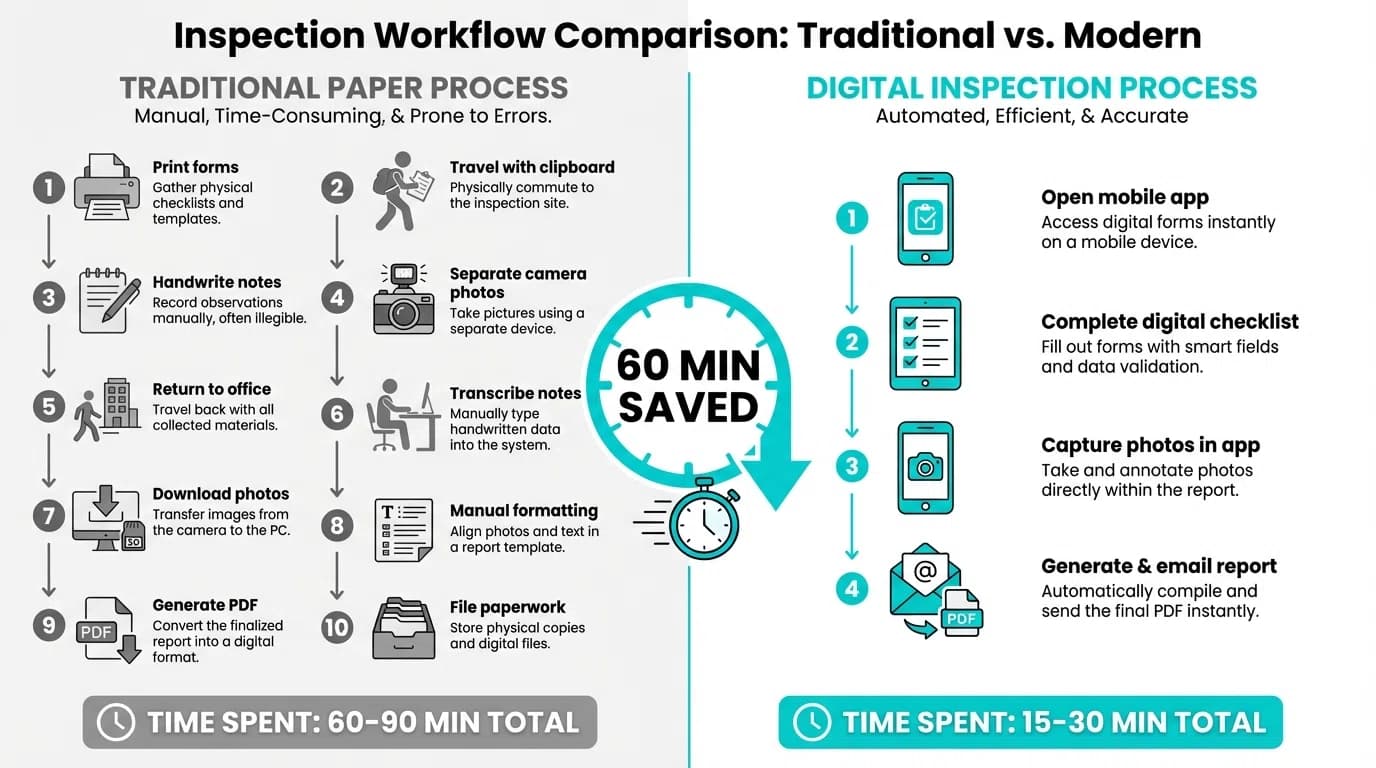
Side-by-side comparison of paper inspection workflow versus digital software workflow
If you're still using paper forms for pool inspections, you're not alone. Many experienced California pool inspectors built successful businesses with clipboards, paper checklists, and manual report typing. It works—but is it the best use of your time?
This guide compares paper-based pool inspections with digital inspection software, breaking down the real differences in time, cost, professionalism, and compliance tracking. By the end, you'll have the data to decide whether switching makes sense for your business.
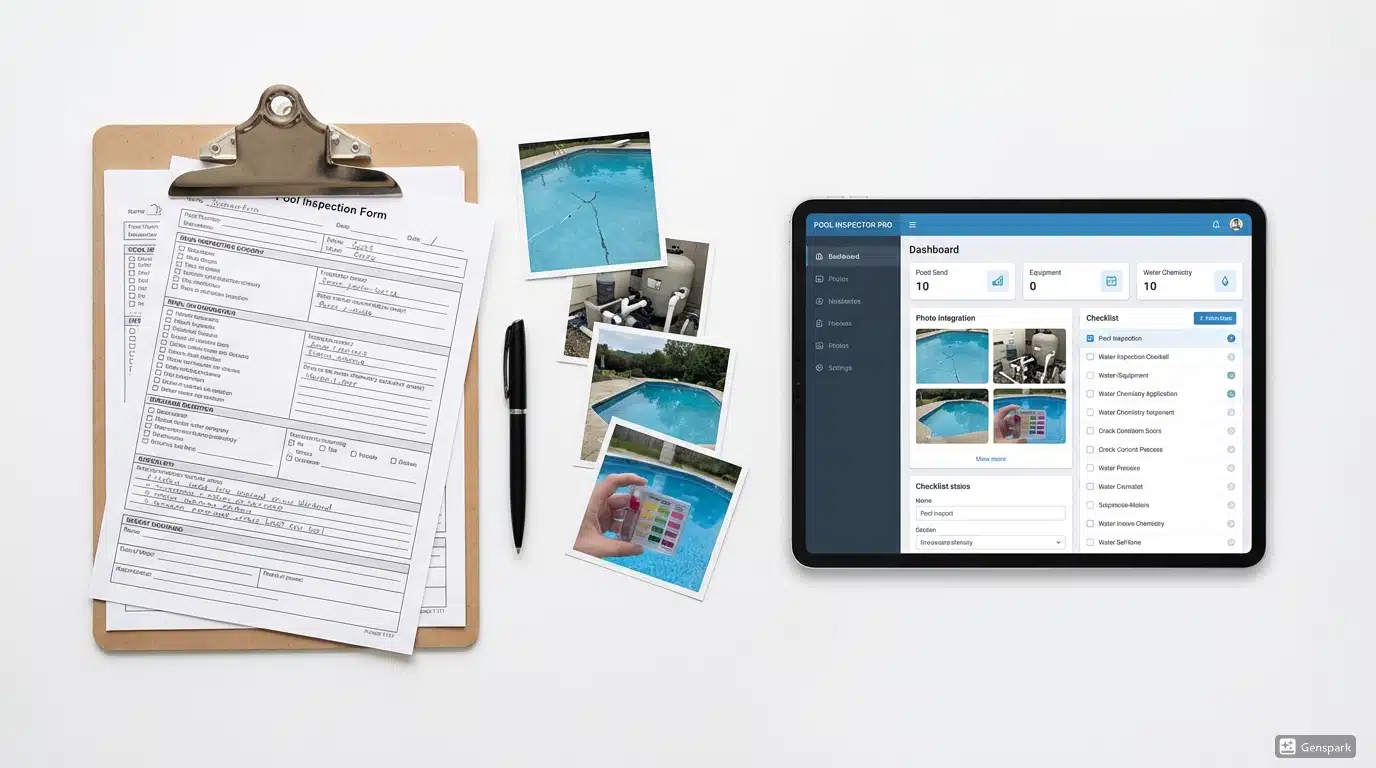
Paper inspection forms next to digital tablet showing pool inspection app
Quick Comparison: Paper vs Digital
| Factor | Paper Forms | Digital Software |
|---|---|---|
| Inspection Time | 45-60 minutes | 15-25 minutes |
| Report Creation | 30-45 minutes (typing later) | Instant PDF generation |
| Photo Management | Separate camera, manual attachment | Integrated, auto-organized |
| California Compliance | Manual checklist tracking | Built-in BPC §7195 templates |
| Client Delivery | Mail or manual email | Instant digital delivery |
| Record Storage | Filing cabinets | Secure cloud backup |
| Upfront Cost | ~$50/year (forms, printing) | $39-99/month |
| Time Cost Per Inspection | 75-105 minutes total | 15-25 minutes total |
The True Cost of Paper Forms
Time Is Money
Let's calculate the real cost of paper-based inspections:
Paper Form Workflow:
- Print forms before inspection: 5 minutes
- On-site inspection with paper checklist: 45-60 minutes
- Take photos with separate camera: 10 minutes
- Return to office, transfer photos: 15 minutes
- Type report in Word/PDF: 30-45 minutes
- Attach and organize photos: 15 minutes
- Email or mail report to client: 10 minutes
Total time per inspection: 2-2.5 hours
Digital Software Workflow:
- Open app, start inspection: 1 minute
- Complete checklist with integrated photos: 15-20 minutes
- Review and generate PDF: 2 minutes
- Send to client from app: 1 minute
Total time per inspection: 20-25 minutes
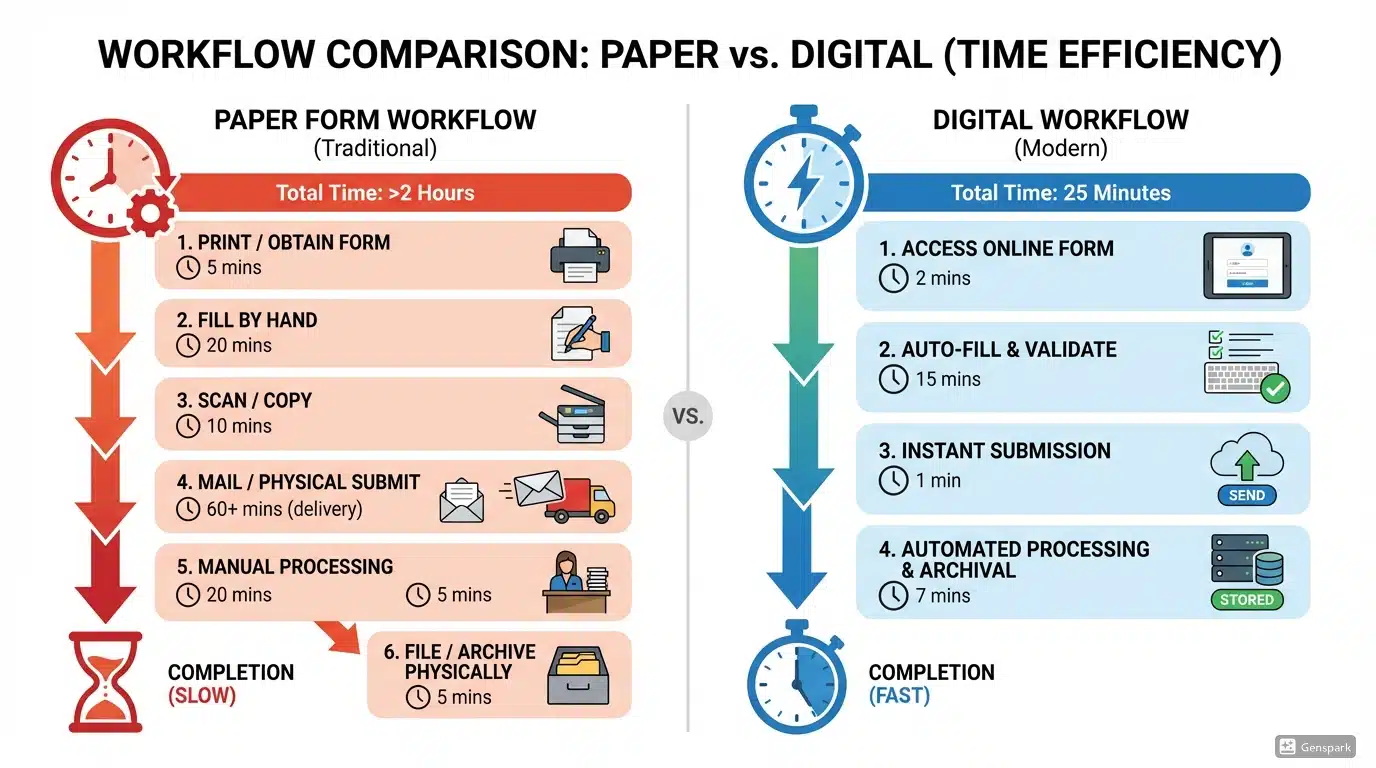
Time comparison chart showing paper vs digital inspection workflow
Calculate Your Savings
If you charge $200 per pool inspection and complete 20 inspections per month:
| Metric | Paper Forms | Digital Software |
|---|---|---|
| Time per inspection | 2 hours | 25 minutes |
| Monthly time spent | 40 hours | 8.3 hours |
| Time saved monthly | — | 31.7 hours |
| Value of saved time (@$50/hr) | — | $1,585/month |
| Software cost | $0 | ~$50-100/month |
| Net monthly benefit | — | $1,485+ |
The math is clear: even at modest inspection volumes, digital software pays for itself many times over.
Feature-by-Feature Comparison
Photo Documentation
Paper Forms:
- Use separate camera or phone
- Photos stored separately from notes
- Manual organization by property/date
- Risk of losing or mismatching photos
- Manually insert into Word documents
- Quality depends on your photo management skills
Digital Software:
- Integrated camera in the app
- Photos automatically linked to inspection items
- Auto-organized by date, property, and category
- Never lose a photo—cloud backup
- One-tap insertion into reports
- Consistent quality and organization
Real Impact: Photo organization alone saves 15-20 minutes per inspection. Over a year with 200 inspections, that's 50-67 hours saved—more than a full work week.
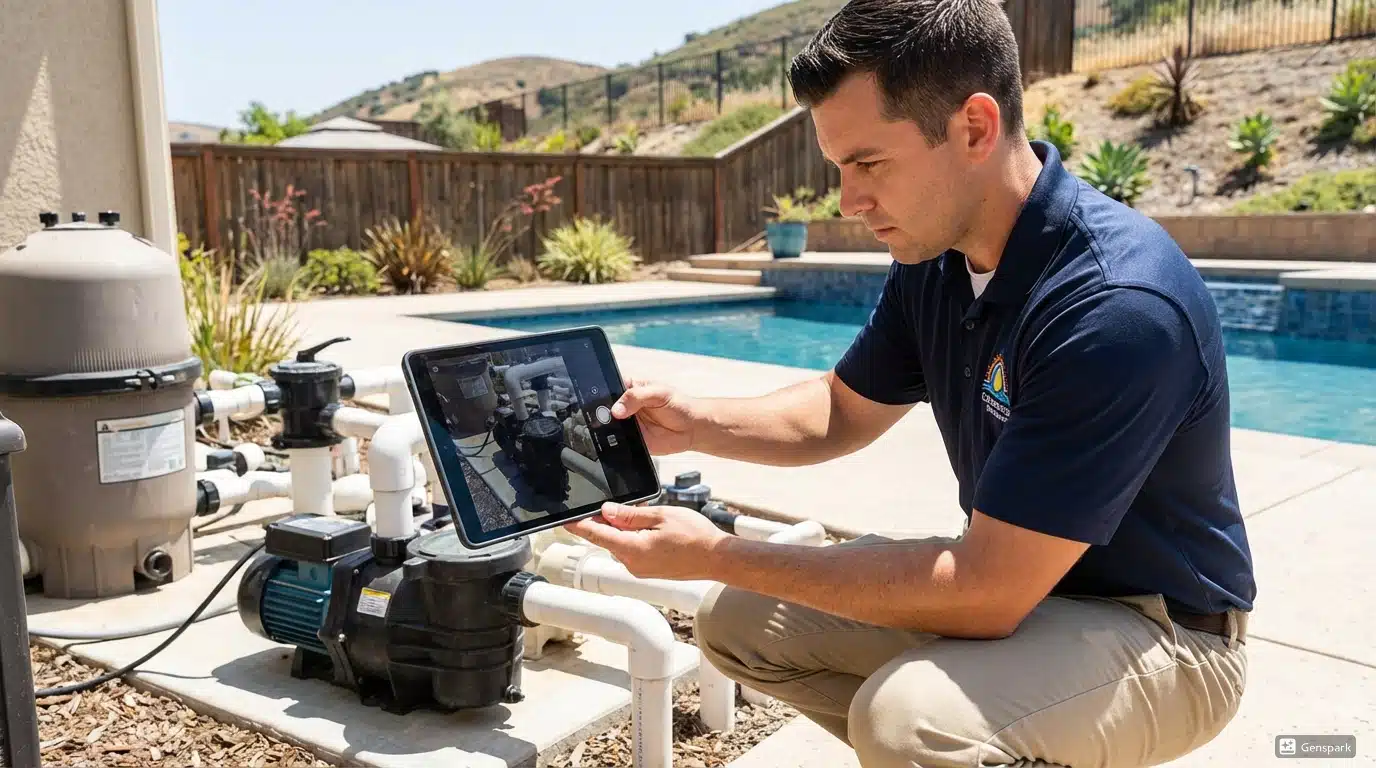
Inspector taking photo with tablet during pool inspection
Report Generation
Paper Forms:
- Return to office to type report
- Manual formatting in Word or PDF
- Inconsistent layouts between reports
- Copy-paste errors common
- Must remember to include all findings
- Professional appearance varies
Digital Software:
- One-click PDF generation on-site
- Consistent, professional formatting
- Automatic inclusion of all checklist items
- Photos placed correctly every time
- Branded with your company logo
- Instant delivery to clients
Client Perception Matters:
When a realtor receives a professionally formatted PDF report with photos, timestamps, and digital signatures within 5 minutes of inspection completion, it signals competence and efficiency. When they receive a Word document two days later with manually inserted photos, it signals... something different.
California Compliance Tracking
For California pool inspectors, compliance with BPC §7195 and HSC §115922 is non-negotiable. Here's how each approach handles compliance:
Paper Forms:
- Must create/update your own checklist
- Easy to miss required items
- No automatic compliance verification
- Manual tracking of which safety features were checked
- You're responsible for staying current with law changes
Digital Software:
- Pre-built California compliance templates
- All seven required safety features included
- Visual indicators for missing items
- Automatic updates when regulations change
- Compliance documentation built into reports
California Law Reminder: BPC §7195 requires verification of specific pool safety features before property transfer. Missing items can delay real estate transactions and create liability for inspectors.
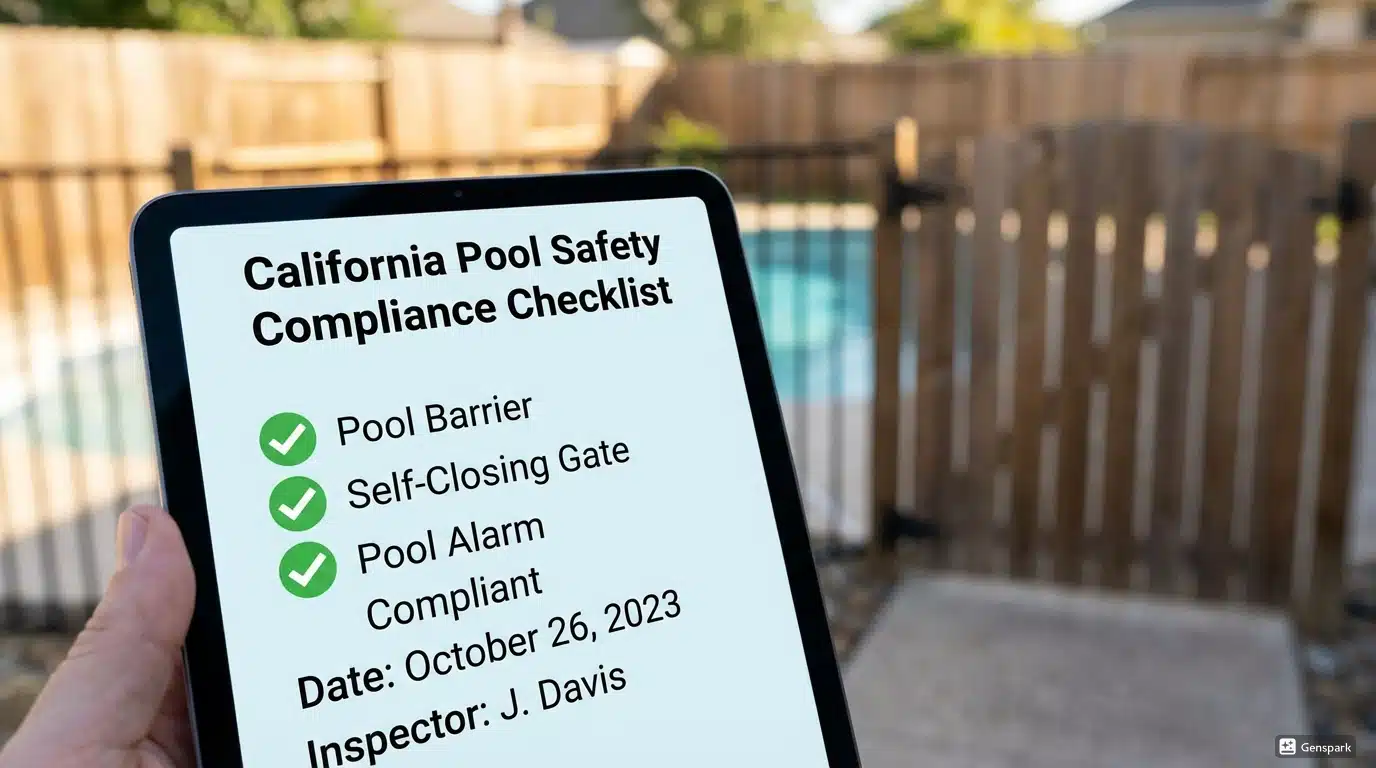
California pool compliance checklist on digital tablet
Client Communication
Paper Forms:
- Mail physical reports (slow, expensive)
- Scan and email PDFs (extra steps)
- No automatic confirmation of delivery
- Difficult to track what was sent when
- Follow-up requires manual effort
Digital Software:
- Instant email delivery from the app
- Client receives professional PDF immediately
- Delivery confirmation and tracking
- Easy follow-up with saved contact info
- Portal access for repeat clients
Record Keeping and Storage
Paper Forms:
- Filing cabinets full of paper
- Risk of loss (fire, water, theft)
- Difficult to search old records
- Takes physical space
- No automatic backup
Digital Software:
- Secure cloud storage
- Searchable by property, date, client
- Accessible from any device
- Automatic backup
- Compliant with record retention requirements
California requires pool inspection records to be retained for specific periods. Digital storage makes compliance automatic, while paper records require deliberate organization and protection.
When Paper Forms Still Make Sense
To be fair, paper forms aren't wrong for everyone. Paper might work better if:
You do very few inspections:
If you complete fewer than 5 pool inspections per month, the time savings may not justify learning new software—though the professionalism benefits still apply.
You're technology-averse:
If smartphones and tablets genuinely frustrate you, the learning curve of digital software could slow you down initially. However, most modern inspection apps are designed for field use and are simpler than general productivity software.
Your clients expect paper:
Some older property managers or homeowners prefer paper reports. Digital software still generates PDFs they can print, but if physical copies are required, you'll need to print anyway.
You're retiring soon:
If you're winding down your business within a year, investing in new systems may not make sense.

Older inspector reviewing paper forms at desk
When Digital Software Is Essential
Digital inspection software becomes practically mandatory when:
You want to grow your business:
Scaling from 20 to 50+ inspections per month is nearly impossible with paper workflows. The administrative burden crushes your capacity.
You work with real estate agents:
Realtors expect fast turnaround. Same-day (or same-hour) reports win referrals. Two-day turnaround loses them.
You have multiple inspectors:
Coordinating paper forms across team members is a logistical nightmare. Digital platforms with team features solve this instantly.
California compliance is critical:
For AB 3205 compliance inspections, digital templates ensure you never miss a required item—protecting both you and your clients.
You value your time:
The 30+ hours per month saved by digital software can be reinvested in marketing, additional inspections, or personal time.
Making the Switch: What to Expect
Learning Curve
Most inspectors report 2-3 inspections to feel comfortable with digital software, and full proficiency within 1-2 weeks. The key is:
- Practice at home first - Do a mock inspection of your own pool or a friend's
- Start with simple inspections - Use digital for routine jobs before complex ones
- Don't abandon paper immediately - Run parallel systems for a week if needed
Common Concerns (And Reality)
| Concern | Reality |
|---|---|
| "I'm not tech-savvy" | Modern apps are designed for field workers, not IT professionals |
| "What if the app crashes?" | Cloud sync means your work is saved; offline mode works without internet |
| "Clients won't accept digital reports" | PDFs work everywhere; clients consistently prefer professional digital reports |
| "It's too expensive" | Time savings typically exceed costs within the first month |
| "I'll lose my personal touch" | Customizable templates let you maintain your voice and style |
Checklist for Choosing Digital Software
When evaluating pool inspection software, prioritize:
- [ ] California compliance templates - Pre-built BPC §7195 and HSC §115922 checklists
- [ ] Mobile-friendly design - Works well on tablets at poolside
- [ ] Offline capability - Functions without internet during inspections
- [ ] Photo integration - Easy capture and annotation
- [ ] Instant PDF generation - Professional reports created on-site
- [ ] Digital signatures - Legally binding e-signatures for clients
- [ ] Cloud backup - Secure storage with automatic backup
- [ ] Reasonable pricing - Monthly cost justified by time savings
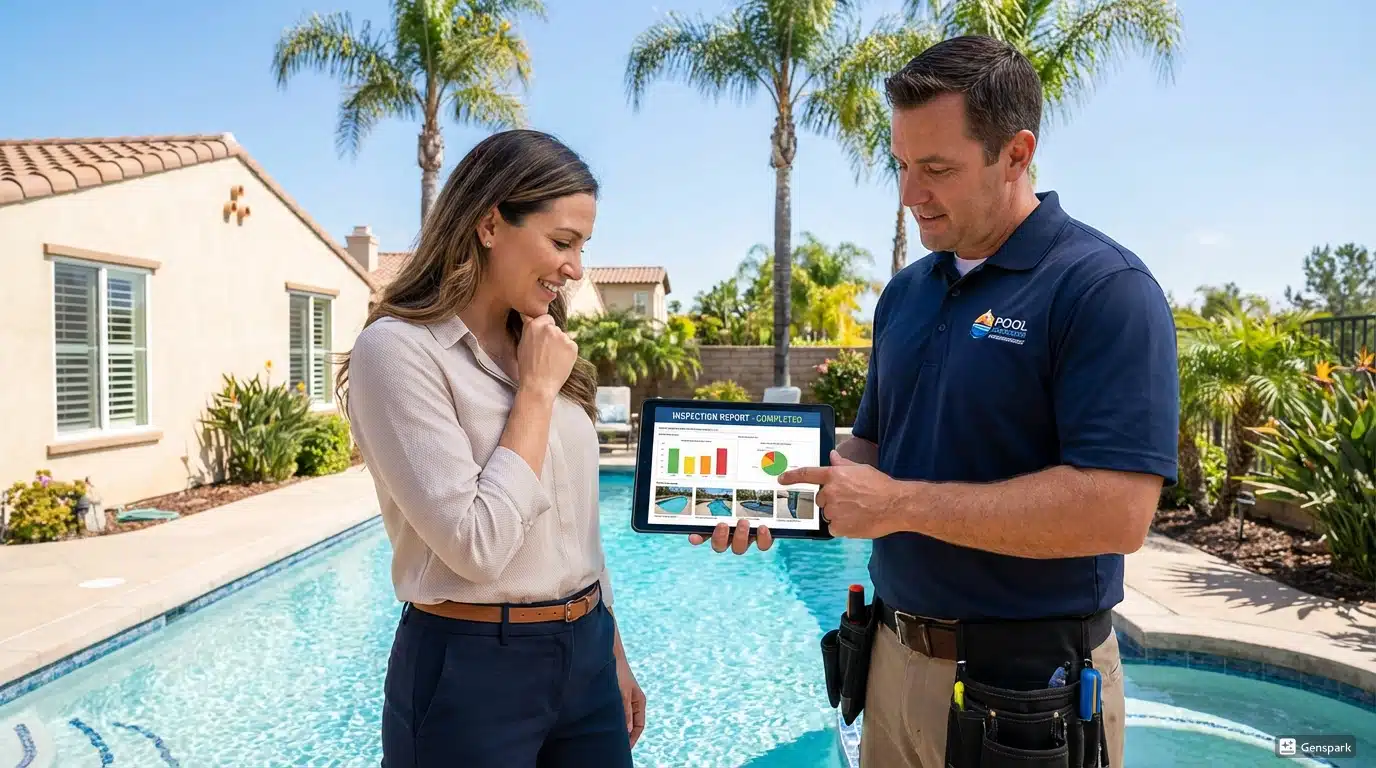
Pool inspector using tablet at poolside with client
Real-World Comparison: Same Inspection, Two Methods
Let's walk through a typical California pool safety inspection using both methods:
Paper Form Approach
8:00 AM - Print inspection forms, grab clipboard, camera
8:30 AM - Arrive at property, begin inspection
9:15 AM - Complete physical inspection, take 25 photos
9:30 AM - Drive to next appointment or office
12:00 PM - Return to office, transfer photos from camera
12:30 PM - Open Word template, begin typing report
1:30 PM - Insert photos, format document
2:00 PM - Convert to PDF, email to client
2:15 PM - Client receives report (4.75 hours after inspection)
Time invested: 4+ hours
Digital Software Approach
8:30 AM - Arrive at property, open app, start inspection
8:50 AM - Complete inspection with integrated photos and notes
8:55 AM - Review checklist, tap "Generate Report"
8:56 AM - Client receives professional PDF via email
Time invested: 26 minutes
The client receives their report 4+ hours faster, and you've saved over 3 hours of work.
Cost Comparison: Annual View
| Cost Category | Paper Forms | Digital Software |
|---|---|---|
| Forms and printing | $100-200/year | $0 |
| Filing supplies | $50-100/year | $0 |
| Camera/photo management | $50-100/year | Included |
| Software subscription | $0 | $468-1,188/year |
| Direct costs | $200-400/year | $468-1,188/year |
| Time cost (200 inspections × 1.5 hrs saved × $50/hr) | — | Saves $15,000/year |
| Net annual cost/(savings) | $200-400 cost | $13,800+ savings |
Even with generous assumptions, digital software delivers massive ROI through time savings alone.
Making Your Decision
Choose Paper Forms If:
- You do fewer than 5 inspections monthly
- You're retiring within 12 months
- You genuinely struggle with basic technology
- Your specific clients require physical paperwork
Choose Digital Software If:
- You want to grow your inspection business
- You work with real estate agents
- You value professional presentation
- California compliance is important
- You want your evenings and weekends back
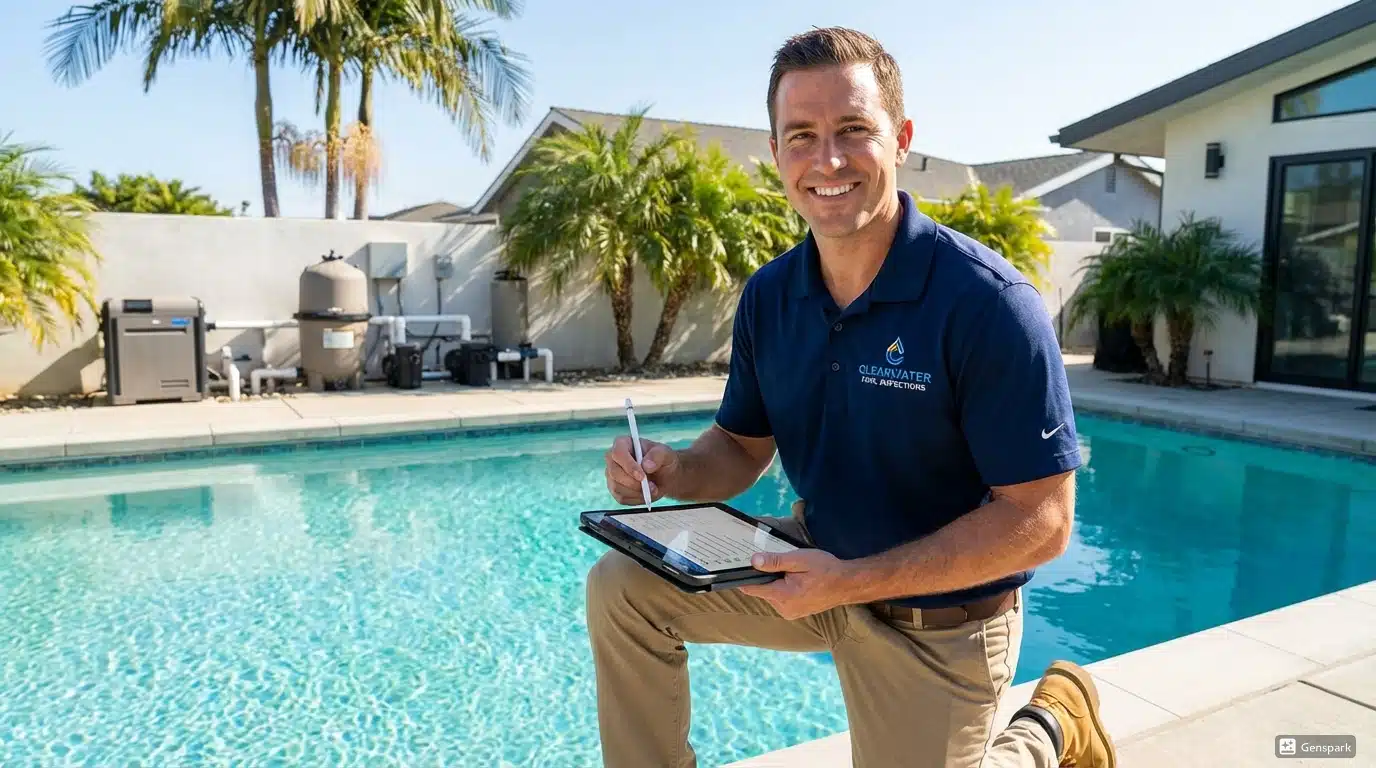
Happy pool inspector completing inspection quickly on tablet
Getting Started with Digital Inspections
Ready to make the switch? Here's how to transition smoothly:
Week 1: Setup and Practice
- Choose your software (look for California-specific options)
- Set up your account and branding
- Complete 2-3 practice inspections at home
Week 2: Parallel Testing
- Use digital for real inspections
- Keep paper as backup (just in case)
- Note any workflow adjustments needed
Week 3+: Full Digital
- Retire paper forms
- Optimize your digital workflow
- Enjoy your extra time
Ready to Go Digital?
PoolVerify is built specifically for California pool safety inspections. Unlike generic home inspection software, every feature is designed for BPC §7195 and HSC §115922 compliance.
Why California inspectors choose PoolVerify:
- ✅ Pre-built California compliance templates
- ✅ Works on any device (tablet, phone, desktop)
- ✅ Instant PDF reports with digital signatures
- ✅ Secure cloud storage for all records
- ✅ 14-day free trial to test with real inspections
Related Resources
Frequently Asked Questions
How much time does digital pool inspection software save compared to paper forms?
Digital software reduces total inspection time from 2-2.5 hours to 20-25 minutes per inspection. Paper workflows require printing forms, on-site inspection, transferring photos, typing reports, and emailing clients. Digital tools integrate all steps into one streamlined mobile workflow with instant PDF report generation.
Is digital pool inspection software worth the cost over paper forms?
Yes. While paper forms cost $200-400 annually and digital software costs $468-1,188 per year, time savings of 1.5 hours per inspection translate to $15,000+ in annual value at 200 inspections. Net savings exceed $13,800 annually, making digital software a strong return on investment.
How does digital software help with California pool compliance?
Digital inspection software includes pre-built California BPC §7195 and HSC §115922 compliance templates with all seven required safety features. Visual indicators flag missing items, automatic updates track regulation changes, and compliance documentation is built directly into generated reports, reducing errors and liability.
How long does it take to learn digital pool inspection software?
Most inspectors report 2-3 inspections to feel comfortable with digital software, reaching full proficiency within 1-2 weeks. Modern apps are designed for field workers, not IT professionals. Start by practicing at home, then use digital for routine jobs before tackling complex inspections.
When do paper forms still make sense for pool inspections?
Paper forms may work if you complete fewer than 5 inspections per month, are retiring soon, or your specific clients require physical paperwork. However, even low-volume inspectors benefit from professional digital reports. Digital software generates PDFs that clients can print if physical copies are needed.
Related Articles
Software-tools
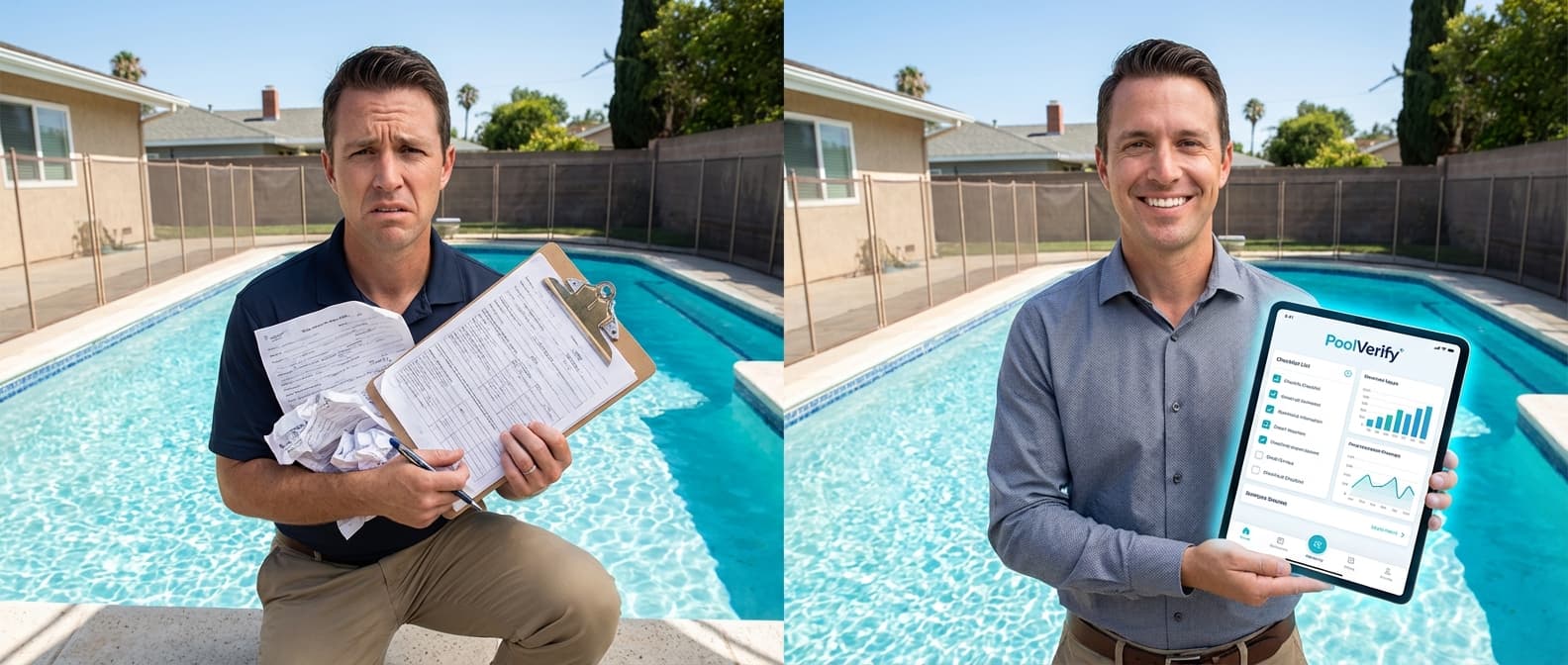
Pool Inspection App vs Paper Forms: Why Digital Wins [2026]
Compare pool inspection apps vs paper forms. Discover efficiency gains, accuracy improvements, compliance benefits, cost savings, and ROI data for California pool inspectors.
Software-tools
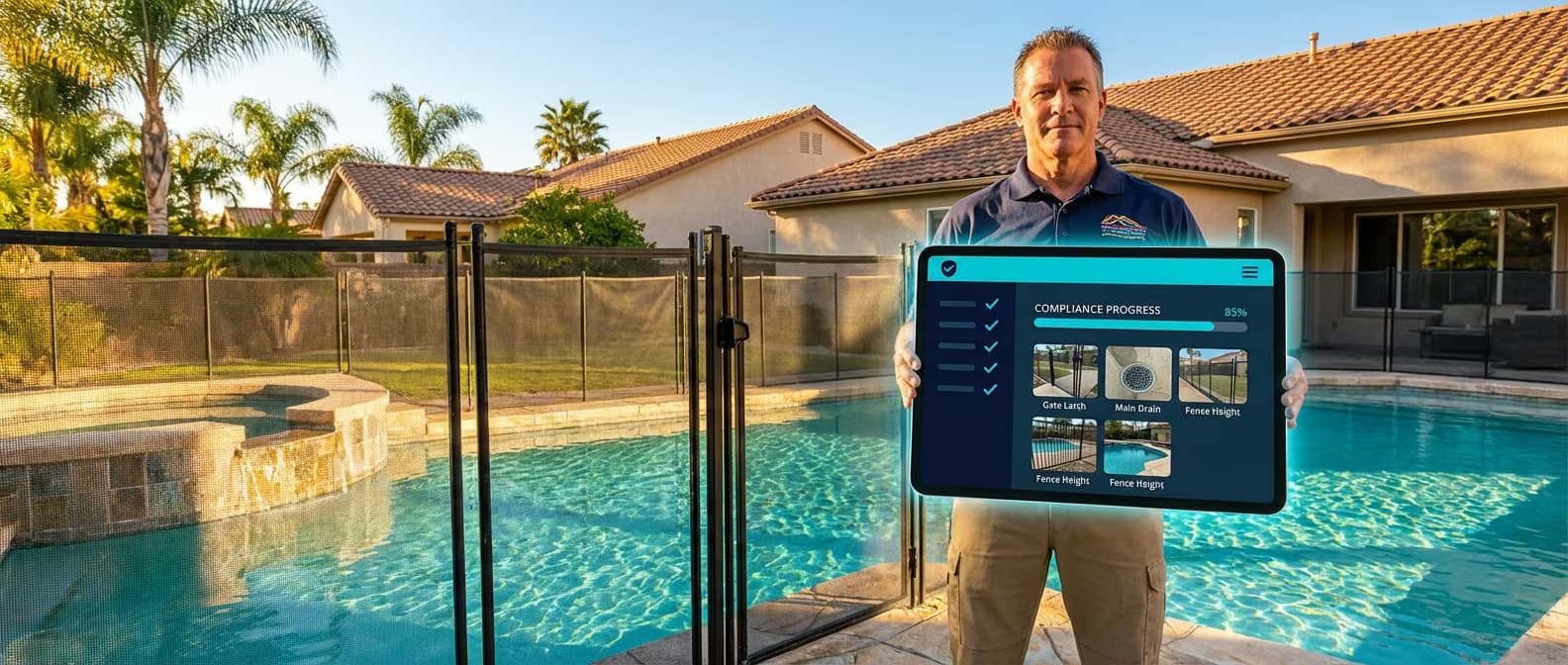
7 Benefits of Digital Pool Inspection Software vs Paper Forms
Discover 7 proven benefits of digital pool inspection software over paper forms. Save time, improve accuracy, and stay compliant with California pool safety laws.
Inspection-best-practices
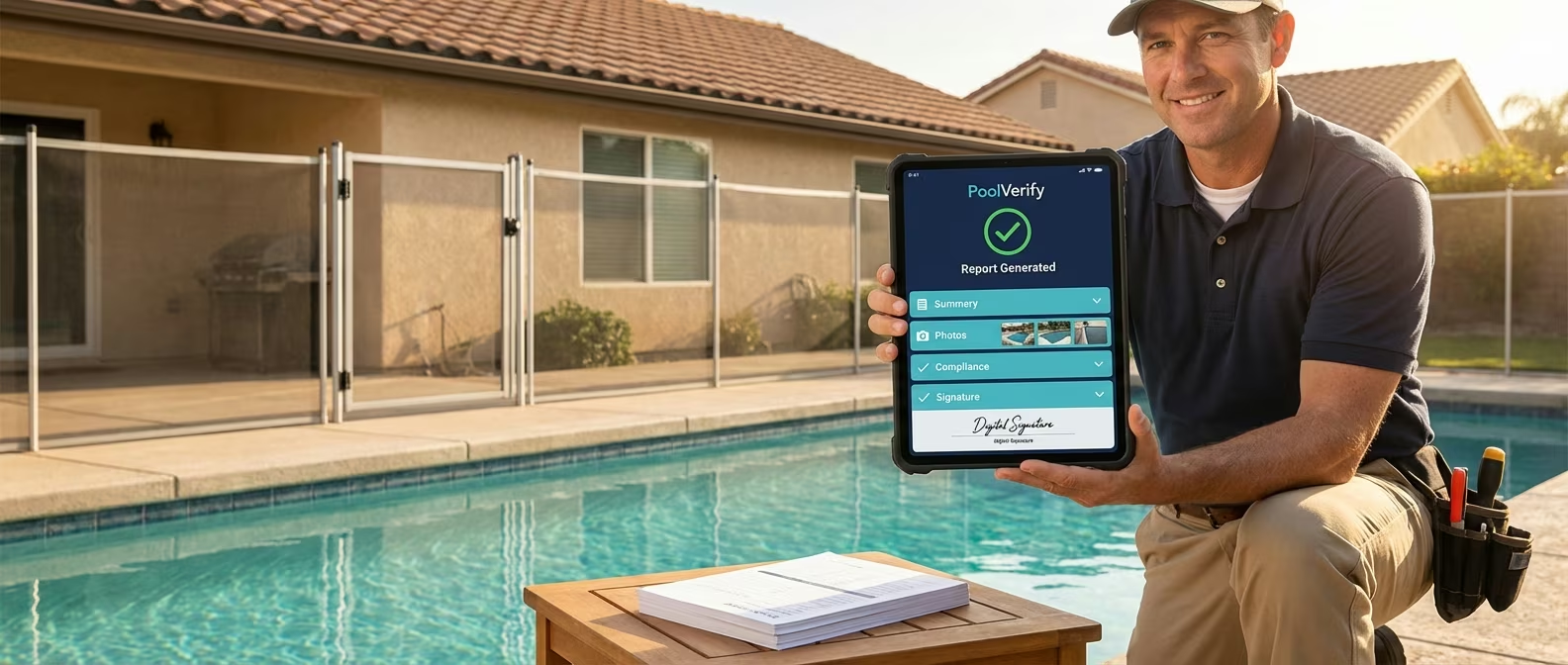
How to Automate Pool Inspection Reports: Complete Guide
Learn how to automate pool inspection reports with digital software. Cut report time from 45 minutes to seconds with instant PDF generation and digital signatures.