Inspection-best-practices
Pool Inspection Workflow: How to Streamline from Start to Finish
Streamline your pool inspection workflow in 6 steps. Eliminate bottlenecks in scheduling, on-site inspection, reporting, and follow-up for BPC §7195 compliance.
10 min read
A streamlined pool inspection workflow has six stages — scheduling, preparation, on-site inspection, documentation, report delivery, and follow-up — and the biggest time bottlenecks occur between stages, not during them. By connecting these stages into a single digital workflow with PoolVerify, California inspectors eliminate the manual handoffs that consume 60–90 minutes per inspection and reduce total turnaround from days to minutes.
# Pool Inspection Workflow: How to Streamline from Start to Finish
Most pool inspectors don't have a workflow problem during the actual inspection — they're efficient at checking barriers, testing gates, and assessing safety features. The bottlenecks hide in the spaces between: transcribing handwritten notes into typed reports, sorting camera roll photos, chasing client signatures, and filing records. According to field service research, the back office is the quiet bottleneck that slows down field service businesses — invoices and reports don't go out until days later because someone has to transcribe handwritten notes and manually create documents (FieldAx, 2026).
For California BPC §7195 and HSC §115922 inspections, these workflow gaps also create compliance risks. A report delivered three days after an inspection is three days where undocumented safety issues could lead to liability exposure. With approximately 1.34 million residential swimming pools in California (California Energy Commission), inspectors who streamline their workflow handle more properties, earn more revenue, and deliver better client service.
This guide maps the complete pool inspection workflow, identifies where time is wasted, and shows how to connect each stage into a seamless process.
Table of Contents
- The 6-stage pool inspection workflow
- Stage 1: Scheduling and client intake
- Stage 2: Pre-inspection preparation
- Stage 3: On-site inspection
- Stage 4: Documentation and report generation
- Stage 5: Report delivery and client communication
- Stage 6: Follow-up and record management
- Common workflow bottlenecks and how to fix them
- Best practices for pool inspection in California
- Streamlined vs fragmented workflow comparison
- Frequently asked questions
The 6-stage pool inspection workflow
Every pool inspection follows six stages, whether you use paper, spreadsheets, or digital software. The difference is how much manual work happens between stages — and that's where streamlining creates the biggest impact.

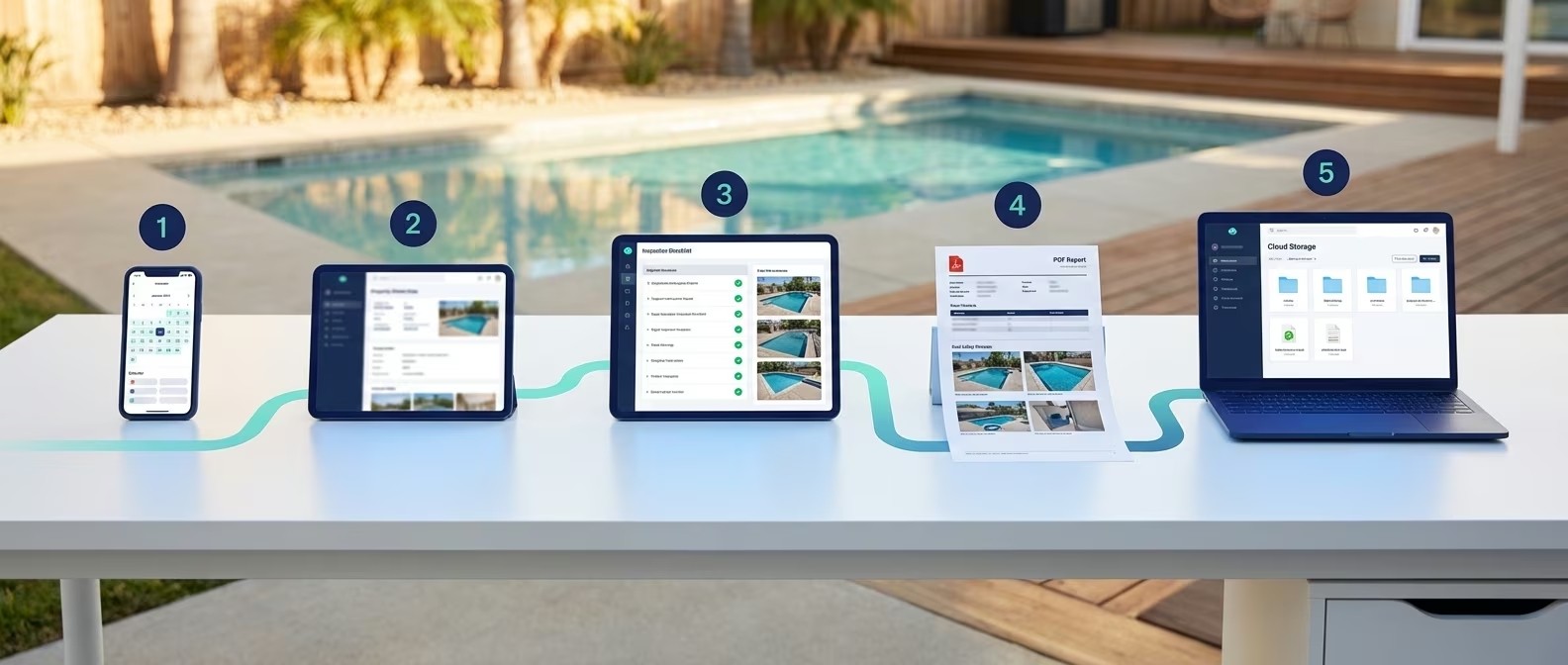
Six stages of the pool inspection workflow
Here's the full workflow at a glance:
| Stage | What Happens | Bottleneck Risk |
|---|---|---|
| 1. Scheduling | Client books inspection, date/time confirmed | Double-bookings, missed confirmations |
| 2. Preparation | Property details entered, template selected, history reviewed | Forgotten data entry, arriving unprepared |
| 3. On-site inspection | Safety features assessed, photos taken, notes recorded | Missed items, incomplete documentation |
| 4. Documentation | Report written, photos organized, signatures collected | Manual typing, photo sorting, print-sign-scan |
| 5. Delivery | Report sent to client/agent | Delayed emails, formatting issues |
| 6. Follow-up | Re-inspection scheduled, records archived, invoicing | Lost records, missed follow-ups |
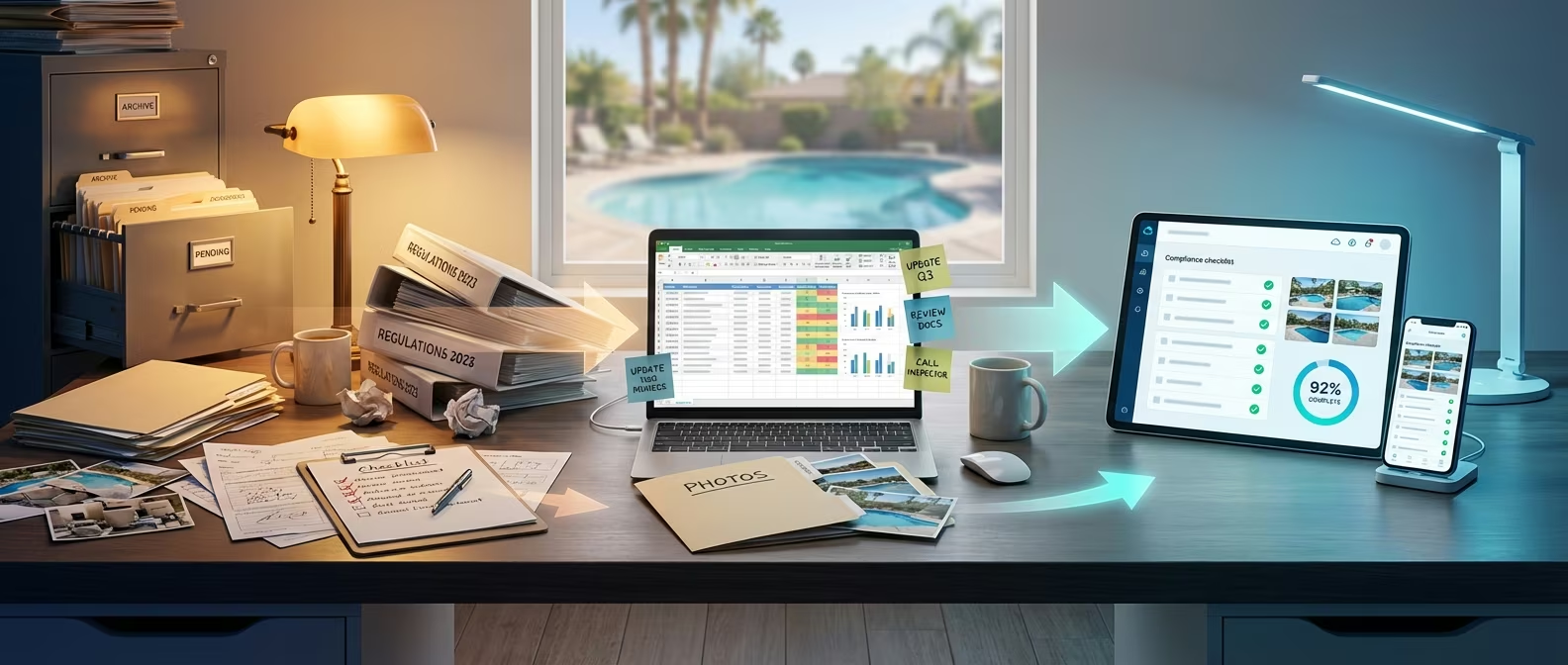
In a fragmented workflow, each stage uses a different tool — a phone for scheduling, paper for inspection, a laptop for typing reports, email for delivery, and a filing cabinet for storage. Every tool switch introduces delay, data loss risk, and manual rework.
In a streamlined workflow, all six stages flow through a single platform. PoolVerify connects scheduling through storage so that data entered at stage 1 automatically feeds into stages 2–6 without re-entry or switching tools.
Stage 1: Scheduling and client intake
Effective scheduling starts with capturing the right information upfront — property address, pool type, inspection purpose (real estate transfer, new installation, annual compliance), and client contact details.
What to capture at scheduling
For California BPC §7195 inspections, collect these details when the client books:
- Property address — Full address including unit number for multi-family properties
- Pool type — In-ground, above-ground, spa, or combination
- Inspection trigger — Property transfer (most common for BPC §7195), new installation, renovation, annual compliance
- Client role — Homeowner, real estate agent, property manager, or contractor
- Access details — Gate code, key location, any access restrictions
- Prior inspection history — Has this property been inspected before?
Scheduling workflow tip
Send an automated confirmation message immediately after booking, then a reminder 24 hours before the appointment. Fire safety inspection companies that implemented appointment confirmations reduced no-shows by 30% (MyRouteOnline, 2026). A missed appointment wastes your most valuable resource — time already blocked on your calendar.
If you schedule multiple inspections per day, cluster them geographically. Driving between properties in the same neighborhood takes 5–10 minutes versus 30–60 minutes for cross-city trips.
Stage 2: Pre-inspection preparation
Pre-inspection preparation means entering property details and selecting the inspection template before arriving at the property — so you can start inspecting the moment you arrive instead of spending 5–10 minutes on data entry at poolside.
Pre-inspection checklist
Complete these tasks the evening before or morning of:
- Create the inspection record — Enter property address, client name, and inspection type in PoolVerify
- Select the compliance template — BPC §7195 standard, BPC §7195 + HSC §115922 comprehensive, or custom template
- Review property history — Search for any prior inspections at the same address. Note previously flagged items to watch for
- Check your equipment — Tablet or phone charged, measuring tape accessible, stylus available
- Verify the appointment — Confirm the client or agent will be present for signature collection
With PoolVerify, you can create and pre-fill inspections from any device — desktop, tablet, or phone. The inspection record syncs across devices, so preparation done on your laptop at home is ready on your tablet at the property.
Time invested: 3–5 minutes. Time saved on-site: 5–10 minutes.
Stage 3: On-site inspection
The on-site inspection is the core of your workflow — systematically assessing every BPC §7195 safety feature while documenting findings with photos and notes in real time. This is the one stage where thoroughness should never be sacrificed for speed.
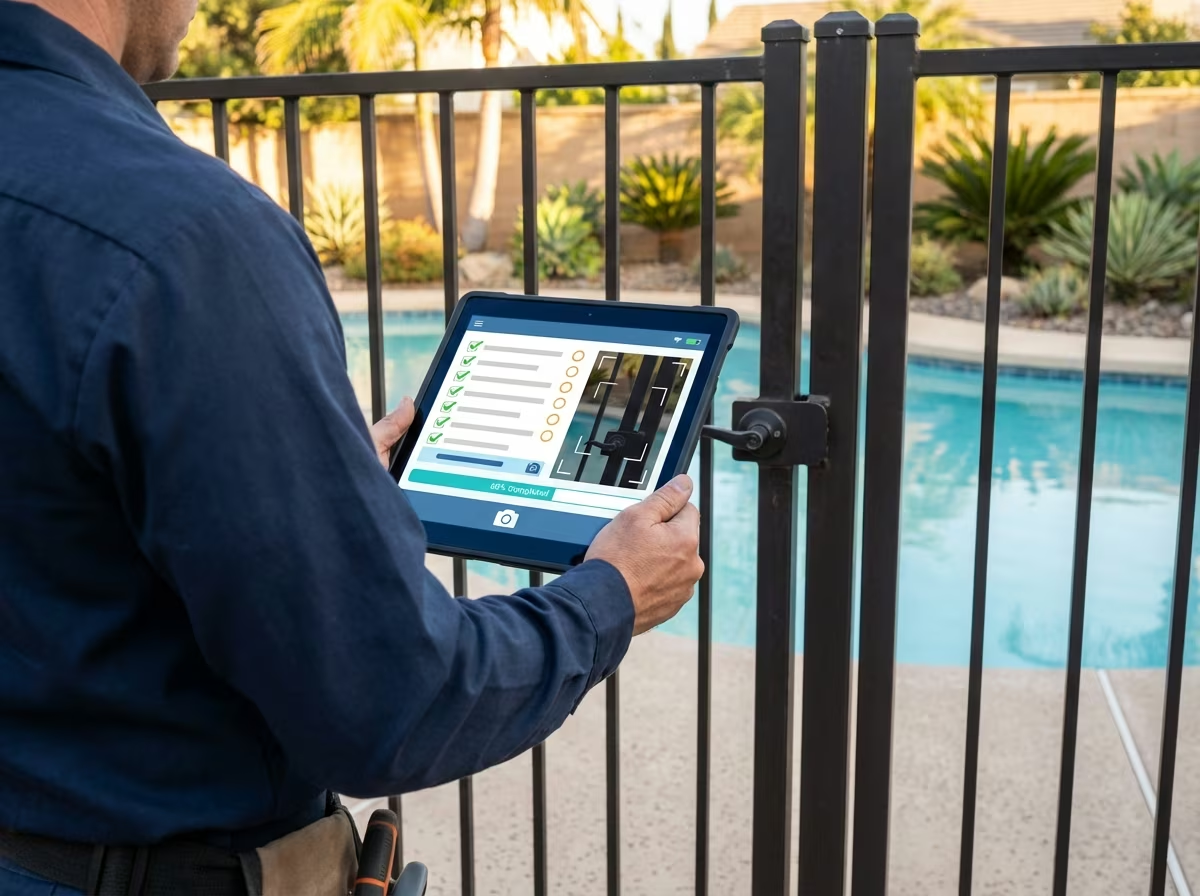
On-site pool inspection with digital checklist
Systematic inspection route
Follow the same physical inspection path at every property for consistency and speed:
- Perimeter barriers — Walk the full pool enclosure checking fence height (60 inches minimum per BPC §7195), vertical member spacing (4 inches maximum), and material condition. Capture photos of measurement points.
- Gates and access points — Test every gate for self-closing operation, self-latching mechanism, and release height (54 inches minimum above grade). Photo-document each gate.
- Doors and windows — Check all doors and windows providing direct pool access for exit alarms. Test alarm functionality.
- Pool equipment — Inspect drain covers for VGBA compliance per HSC §115922. Check for safety vacuum release systems (SVRS) where required.
- Safety covers and alarms — If present, verify pool cover meets ASTM F1346 standards and pool alarm meets ASTM F2208 standards.
On-site documentation tips
- Mark each item as you inspect it — Don't batch your notes for later. With PoolVerify's tap-to-complete interface, marking pass/fail/N/A takes one second per item.
- Capture photos in context — Photograph each safety feature from the angle that best demonstrates compliance or the deficiency. PoolVerify's integrated camera links each photo to its specific checklist item automatically.
- Add notes for deficiencies — If an item fails, document exactly what's wrong and what correction is needed. These notes feed directly into the report's recommendations section.
- Don't skip items — PoolVerify's required field validation prevents completing the inspection until all mandatory BPC §7195 items are addressed.
On-site time with digital tools: 15–20 minutes. With paper: 30–45 minutes.
Complete inspections at poolside, not your desk.
PoolVerify's pre-loaded BPC §7195 templates guide you through every required safety item — mark pass/fail, snap photos, and generate your report on-site.
Stage 4: Documentation and report generation
Documentation is where fragmented workflows waste the most time — and where streamlined workflows create the biggest advantage. In a paper-based workflow, documentation is a separate stage that happens after the inspection, often back at the office. In a digital workflow, documentation happens simultaneously with the inspection.
Fragmented documentation workflow (30–60 minutes)
- Return to office with handwritten notes
- Type findings into a Word document or report template
- Transfer photos from camera roll to computer
- Sort and label photos by inspection item
- Insert photos into the report document
- Format the document for professional appearance
- Print the report for client signature
- Scan the signed report for digital records
Streamlined documentation workflow (under 1 minute)
- Tap "Generate Report" in PoolVerify
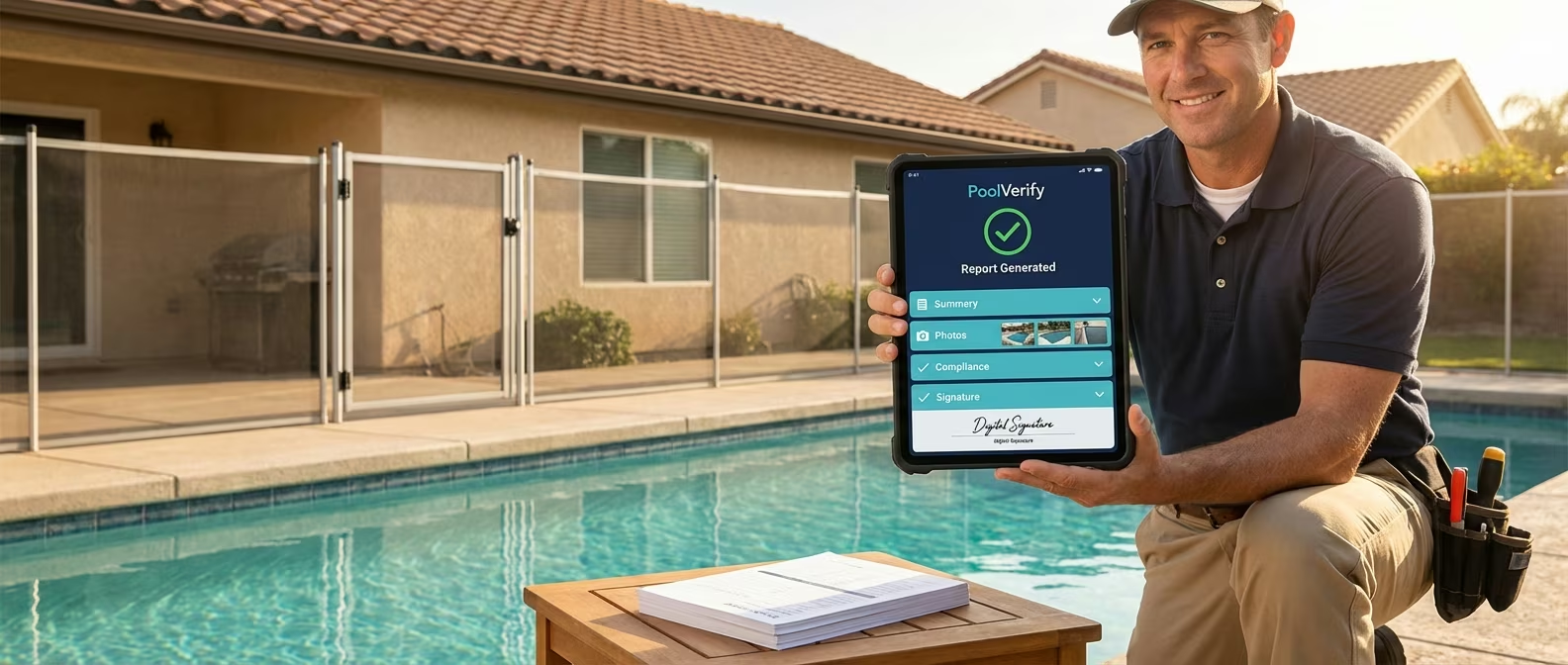
- Professional PDF compiles automatically in seconds — all checklist data, photos, notes, signatures, and compliance status included
That's the difference. With PoolVerify's instant PDF reports, all documentation happens during the inspection. By the time you finish the last checklist item, the report is ready to generate. No typing, no formatting, no photo sorting.
The generated report includes:
- Inspector credentials and company branding
- Property details and inspection date
- Complete BPC §7195 checklist with pass/fail/N/A status for each item
- All photos organized by section with timestamps and captions
- Deficiency descriptions and recommended corrections
- Digital signatures from inspector and client
- Overall compliance summary
Stage 5: Report delivery and client communication
Report delivery should happen before you leave the property — not hours or days later. Instant delivery demonstrates professionalism, accelerates real estate transactions, and eliminates the follow-up burden of chasing clients for acknowledgment.
Delivery options with PoolVerify
- Email directly from the app — Send the PDF report to the client, real estate agent, or property manager with one tap
- Secure download link — Share a link for the client to access the report on their own time
- On-site printing — If a physical copy is needed, the PDF can be printed from any connected printer
For real estate transactions, instant report delivery can impact the escrow timeline. Agents waiting for pool compliance documentation to close a sale appreciate receiving the report within minutes of the inspection — not waiting 2–3 business days.
Client communication best practices
- Set expectations upfront — Tell clients during scheduling that they'll receive the report on-site
- Walk through findings briefly — Before generating the report, verbally summarize pass/fail results and any deficiencies
- Explain next steps for failures — If items fail, explain what corrections are needed and offer to schedule a re-inspection after repairs
Stage 6: Follow-up and record management
The final workflow stage — follow-up and record management — is where paper-based workflows create the most long-term risk. Lost records, missed re-inspections, and disorganized filing create liability exposure that can surface months or years after the original inspection.
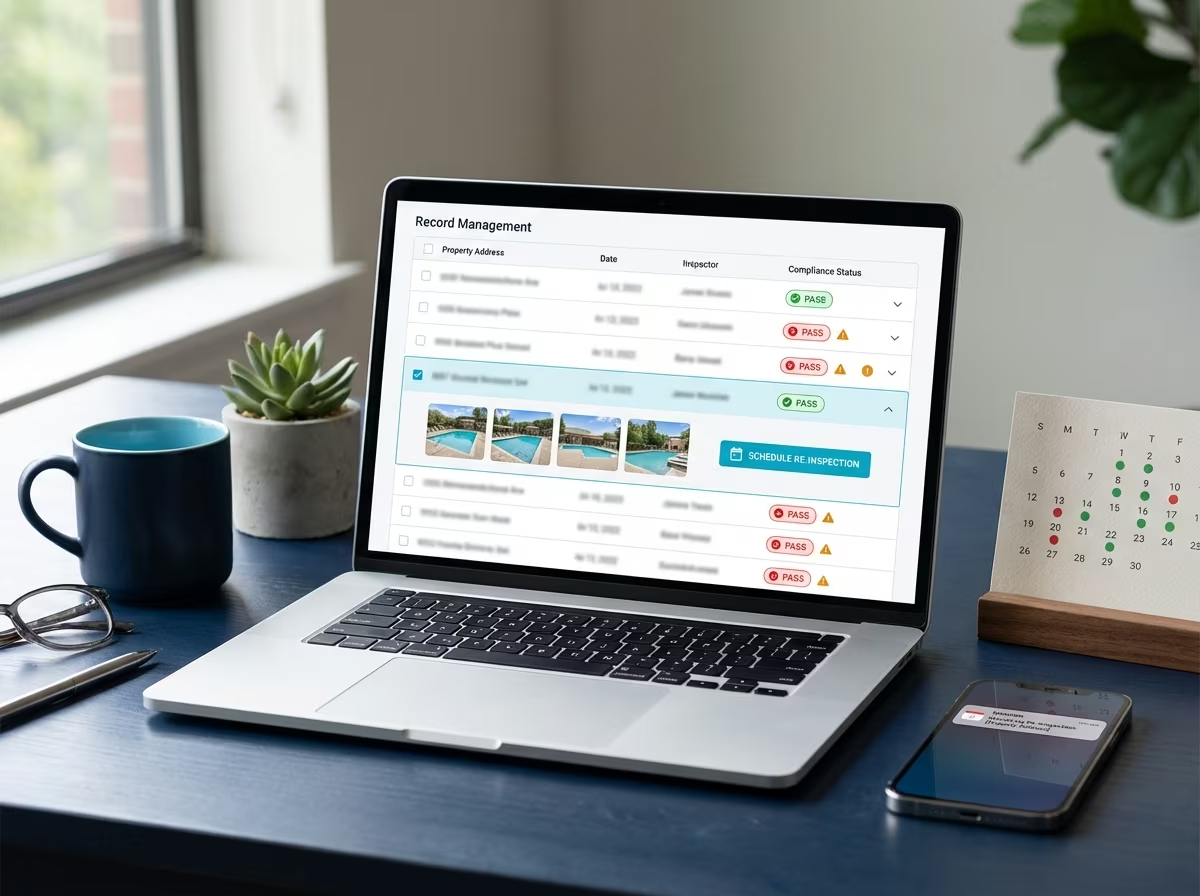
Follow-up and record management workflow
Automated record management with PoolVerify
After you leave the property, PoolVerify handles the rest:
- Automatic cloud backup — Every inspection record, photo, and report is stored with 256-bit encryption
- Searchable archive — Find any inspection by property address, date, inspector name, or compliance status in seconds
- Re-inspection tracking — Properties that failed compliance are flagged for follow-up, with the original deficiency notes readily available for comparison
- Audit readiness — All records are retrievable instantly if a compliance question arises
Follow-up workflow
For properties with failed items:
- Note the deficiencies in the report — PoolVerify's report includes specific failed items with photos and descriptions
- Discuss correction timeline with the client — Most barrier repairs take 1–2 weeks, alarm installations 1–3 days
- Schedule re-inspection — Create a follow-up inspection record linked to the original, so you can compare findings side-by-side
- Send invoice — Batch invoicing at the end of each day for all completed inspections
According to field service research, the biggest inspection bottleneck is not finding problems — it's converting findings into tracked, completed corrective actions (Precision Workflow, 2026). Digital follow-up tracking ensures nothing falls through the cracks.
Common workflow bottlenecks and how to fix them
Here are the five most common pool inspection workflow bottlenecks and the specific fix for each:
| Bottleneck | Root Cause | Fix |
|---|---|---|
| Reports delivered days late | Manual report writing after inspections | Use instant PDF generation — deliver reports on-site |
| Photos disconnected from findings | Camera roll photos sorted manually | Use integrated photo capture — photos auto-link to checklist items |
| Missed safety items | No required field enforcement on paper forms | Use digital templates with required field validation |
| Client chases for signatures | Print-sign-scan cycle delays | Use on-site digital signatures — ESIGN Act-compliant |
| Lost inspection records | Paper filing or local file storage | Use cloud storage with automatic backup and instant search |
| No-show appointments | No confirmation or reminder system | Send automated confirmation at booking + reminder 24 hours before |
| Excessive driving time | Random scheduling order | Cluster inspections geographically — route optimization saves 25–35% driving time |
Each of these bottlenecks exists in the gaps between workflow stages — not during the inspection itself. A streamlined digital workflow eliminates them by connecting every stage into a single, continuous process.
Best practices for pool inspection in California
Following California-specific best practices throughout your inspection workflow ensures BPC §7195 compliance while minimizing rework and liability risk. These practices apply across all six workflow stages and reflect what the most efficient California pool inspectors do differently:
- Schedule with the inspection trigger in mind — BPC §7195 inspections are required at property transfer. When a real estate agent books, confirm whether this is a pre-listing inspection (seller wants to fix issues before listing) or a buyer's inspection (typically non-negotiable timeline). This determines your urgency and how you communicate findings.
- Pre-load the correct compliance template — California has multiple overlapping pool safety statutes. Best practice is to use a combined BPC §7195 + HSC §115922 template that covers both barrier requirements and the Swimming Pool Safety Act's two-feature mandate in a single checklist. PoolVerify includes pre-built California compliance templates that cover both statutes.
- Measure, don't estimate — California's BPC §7195 specifies exact dimensions: 60-inch minimum fence height, 4-inch maximum gap spacing, 54-inch minimum gate latch release height. Best practice is to physically measure every dimension with a tape measure and photograph the measurement in place. Estimates lead to disputed findings and re-inspections.
- Document both compliant and non-compliant features — California courts apply a "negligence per se" standard when pool barrier violations contribute to injuries. Documenting what passed — not just what failed — creates a complete compliance record that protects both the property owner and the inspector if a safety incident occurs later.
- Generate and deliver the report before leaving — For California real estate transactions, the pool inspection report is a required disclosure document. Delivering it on-site with digital signatures eliminates the common bottleneck of chasing signatures after the fact and keeps escrow timelines on track.
- Archive with retrieval in mind — While California doesn't mandate a specific retention period for residential pool inspection records, best practice is indefinite cloud-based retention with instant search by property address. If a safety incident occurs years later, your archived report with timestamped photos is the primary evidence in your defense.
Integrating these California-specific practices into your six-stage workflow ensures compliance without adding time — the practices replace slower habits rather than adding new steps.
Streamlined vs fragmented workflow comparison
Here's the total time difference between a fragmented (paper/multi-tool) workflow and a streamlined (single-platform) workflow for a California BPC §7195 pool inspection:
| Workflow Stage | Fragmented (Paper + Manual) | Streamlined (PoolVerify) |
|---|---|---|
| Scheduling | Phone call + manual calendar entry (5–10 min) | Online booking + auto-confirmation (2–3 min) |
| Preparation | Print forms, review notes manually (5–10 min) | Pre-fill digitally, review history (3–5 min) |
| On-site inspection | Handwritten checklist + separate camera (30–45 min) | Digital checklist + integrated photos (15–20 min) |
| Documentation | Type report, sort photos, format (30–60 min) | Instant PDF generation (under 1 min) |
| Delivery | Email/mail report, chase signature (10–30 min) | On-site email + digital signature (2–3 min) |
| Follow-up | Manual filing, spreadsheet tracking (10–15 min) | Automatic cloud storage + search (1–2 min) |
| Total per inspection | 90–170 min | 23–34 min |
| Time savings | — | 67–136 min per inspection |
For an inspector completing 5 inspections per day, a streamlined workflow saves 5.5–11 hours daily. At California's average inspection rate of $175–$300, that time translates to 2–4 additional inspections worth of capacity — $350–$1,200 in potential daily revenue.
Organizations that switch from paper-based field processes to digital workflows report saving over 40 administrative hours per week on documentation tasks (GoFormz, 2026).
Frequently asked questions
What is the best pool inspection workflow for California BPC §7195?
The best BPC §7195 inspection workflow follows six connected stages: scheduling with client details, pre-inspection preparation with template selection, systematic on-site inspection using a pre-loaded compliance checklist, instant report generation with photos and signatures, immediate report delivery, and automated record storage. PoolVerify connects all six stages into a single platform so data flows automatically from scheduling through storage without manual re-entry.
How long should a complete pool inspection workflow take?
A complete pool inspection workflow — from arriving at the property to delivering the report — takes 15–25 minutes with digital tools like PoolVerify, compared to 90–170 minutes with paper-based workflows. The actual safety assessment time is similar either way (15–20 minutes). The difference is entirely in documentation, report generation, and delivery efficiency.
What are the biggest time wasters in pool inspection workflows?
The three biggest time wasters are manual report writing (30–60 minutes), photo organization (10–15 minutes), and the print-sign-scan signature cycle (5–10 minutes). Together, these account for 45–85 minutes of waste per inspection. All three are eliminated by using digital inspection software with instant PDF generation, integrated photo capture, and on-device digital signatures.
Can I streamline my workflow without changing my inspection process?
Yes — streamlining targets the administrative steps around the inspection, not the inspection itself. Your on-site safety assessment process stays the same: check barriers, test gates, assess alarms, verify suction fittings. What changes is how you document (digital vs paper), how you report (instant PDF vs manual typing), and how you store records (cloud vs filing cabinet). PoolVerify's BPC §7195 template mirrors the standard California inspection flow.
How do I handle re-inspections in a streamlined workflow?
Create a linked follow-up inspection record that references the original inspection. PoolVerify lets you search for the original inspection by property address, review the specific failed items with photos, and create a new inspection focused on verifying corrections. This side-by-side comparison approach makes re-inspections faster and ensures all deficiencies from the original inspection are addressed.
Build a workflow that works as hard as you do
A streamlined pool inspection workflow isn't about working faster during the inspection — it's about eliminating the hours of administrative work that happen around each inspection. Every manual handoff between tools, every photo sorted from a camera roll, and every report typed from handwritten notes is time that could be spent completing another inspection or going home earlier.
The inspectors who handle the most properties per day aren't cutting corners on safety. They've connected their workflow into a single, continuous process where data entered at scheduling automatically feeds through to the final archived report — with zero re-entry, zero tool switching, and zero manual formatting.
PoolVerify connects the entire California pool inspection workflow — from BPC §7195 template selection to instant PDF delivery and encrypted cloud storage — in a single platform.
Start your 14-day free trial →
Related posts
Frequently Asked Questions
What is the best pool inspection workflow for California BPC §7195?
The best BPC §7195 inspection workflow follows six connected stages: scheduling, pre-inspection preparation, systematic on-site inspection using a pre-loaded compliance checklist, instant report generation, immediate report delivery, and automated record storage.
How long should a complete pool inspection workflow take?
A complete pool inspection workflow — from arriving at the property to delivering the report — takes 15–25 minutes with digital tools like PoolVerify, compared to 90–170 minutes with paper-based workflows.
What are the biggest time wasters in pool inspection workflows?
The three biggest time wasters are manual report writing (30–60 minutes), photo organization (10–15 minutes), and the print-sign-scan signature cycle (5–10 minutes). Together, these account for 45–85 minutes of waste per inspection.
Can I streamline my workflow without changing my inspection process?
Yes — streamlining targets the administrative steps around the inspection, not the inspection itself. Your on-site safety assessment process stays the same. What changes is how you document, report, and store records.
How do I handle re-inspections in a streamlined workflow?
Create a linked follow-up inspection record that references the original inspection. PoolVerify lets you search for the original inspection by property address, review failed items with photos, and create a new inspection focused on verifying corrections.
Related Articles
Inspection-best-practices
How to Complete Pool Inspections Faster: 8 Time-Saving Tips
Cut pool inspection time from 60+ minutes to under 20. 8 proven tips for faster BPC §7195 inspections — pre-inspection prep, digital checklists, route planning.
Inspection-best-practices
How to Automate Pool Inspection Reports: Complete Guide
Learn how to automate pool inspection reports with digital software. Cut report time from 45 minutes to seconds with instant PDF generation and digital signatures.
Inspection-best-practices
How to Track Pool Compliance: Digital Tools vs Spreadsheets vs Paper
Compare 3 pool compliance tracking methods: digital software, spreadsheets, and paper. See which saves time, reduces errors, and meets BPC §7195 requirements.